General polytopal meshes
Work with polygonal and polyhedral meshes in two and three dimensions rather than restricting discretizations to standard cells.
A polytopal DSL with a Rust interpreter
Express, prototype, and solve two- and three-dimensional polytopal methods in a syntax close to their mathematical formulation.
poly_rust is DOF-centered and designed
around the operator-based structure of modern polytopal methods.
Basic users describe a method in a .dsl file;
reusable Rust facilities handle interpretation, assembly,
solution, and post-processing.
Work with polygonal and polyhedral meshes in two and three dimensions rather than restricting discretizations to standard cells.
Define spaces, interpolants, reconstructions, forms, boundary conditions, problems, error functionals, and exports in one method description.
The vocabulary supports several families of polytopal methods and both atomic and Cartesian-product spaces.
Memory safety, parallel assembly, polynomial integration paths, dense local algebra, and sparse global solves.
Operator exactness tests, convergence scripts, error evaluation, and VTU export shorten the implement–check–refine loop.
Generic command-line solvers cover steady and unsteady, linear and nonlinear problems, with native and external sparse-solver backends.
Local reconstruction operators and assembled forms are written in a notation intentionally close to their mathematical definitions.
method hho_poisson {
  // Data corresponding to u(x,y) = sin(pi x) sin(pi y)
  function source(vector X) -> scalar =
    2.0 * pow(3.141592653589793, 2.0)
    * sin(3.141592653589793 * X[0]) * sin(3.141592653589793 * X[1])
  function boundary_data(vector X) -> scalar = 0.0

  space Uh {
    element Poly(k, scalar)
    edge Poly(k, scalar)
  }

  operator potential_reconstruction : Uh(u) -> Poly(k+1, scalar) on element T {
    forall q in Poly(k+1, scalar):
      int(T) grad(potential_reconstruction(u)) dot grad(q) =
      - int(T) dof(u, T) * div(grad(q))
      + int(dT) dof(u, E) * (grad(q) dot normal)
    constraint int(T) potential_reconstruction(u) = int(T) dof(u, T)
  }

  operator element_difference : Uh(u) -> Poly(k, scalar) on element T {
    forall q in Poly(k, scalar):
      int(T) element_difference(u) * q =
      int(T) (potential_reconstruction(u) - dof(u, T)) * q
  }

  operator edge_difference : Uh(u) -> Poly(k, scalar) on edge E of element T {
    forall q in Poly(k, scalar):
      int(E) edge_difference(u) * q =
      int(E) (potential_reconstruction(u) - dof(u, E) - element_difference(u)) * q
  }

  linear form load : Uh(test v) {
    sum_elements(int(T) source * dof(v, T))
  }

  bilinear form poisson : Uh(trial u) times Uh(test v) {
    sum_elements(
      int(T) grad(potential_reconstruction(u)) dot grad(potential_reconstruction(v))
      + pow(diameter(T), -1.0) * int(dT) edge_difference(u) * edge_difference(v)
    )
  }

  boundary conditions dirichlet_boundary_conditions on Uh {
    on edge E:
      dof(E) = l2_project(boundary_data, Poly(k, scalar))
  }

  linear problem hho_poisson_problem on Uh {
    lhs { poisson }
    rhs { load }
    boundary conditions dirichlet_boundary_conditions
    export { potential_reconstruction }
  }
}These are the numerical examples from the companion paper. The links below point to the exact DSL configuration files used for the corresponding computations in the manuscript.
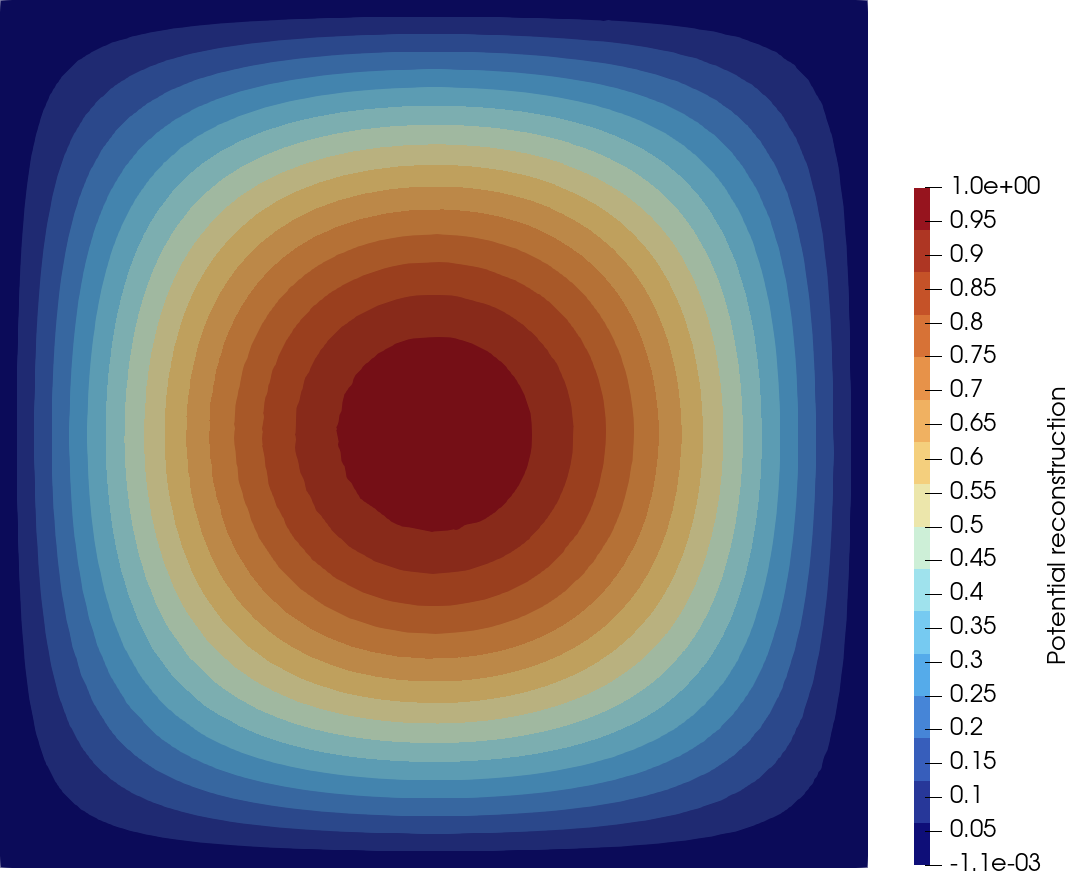
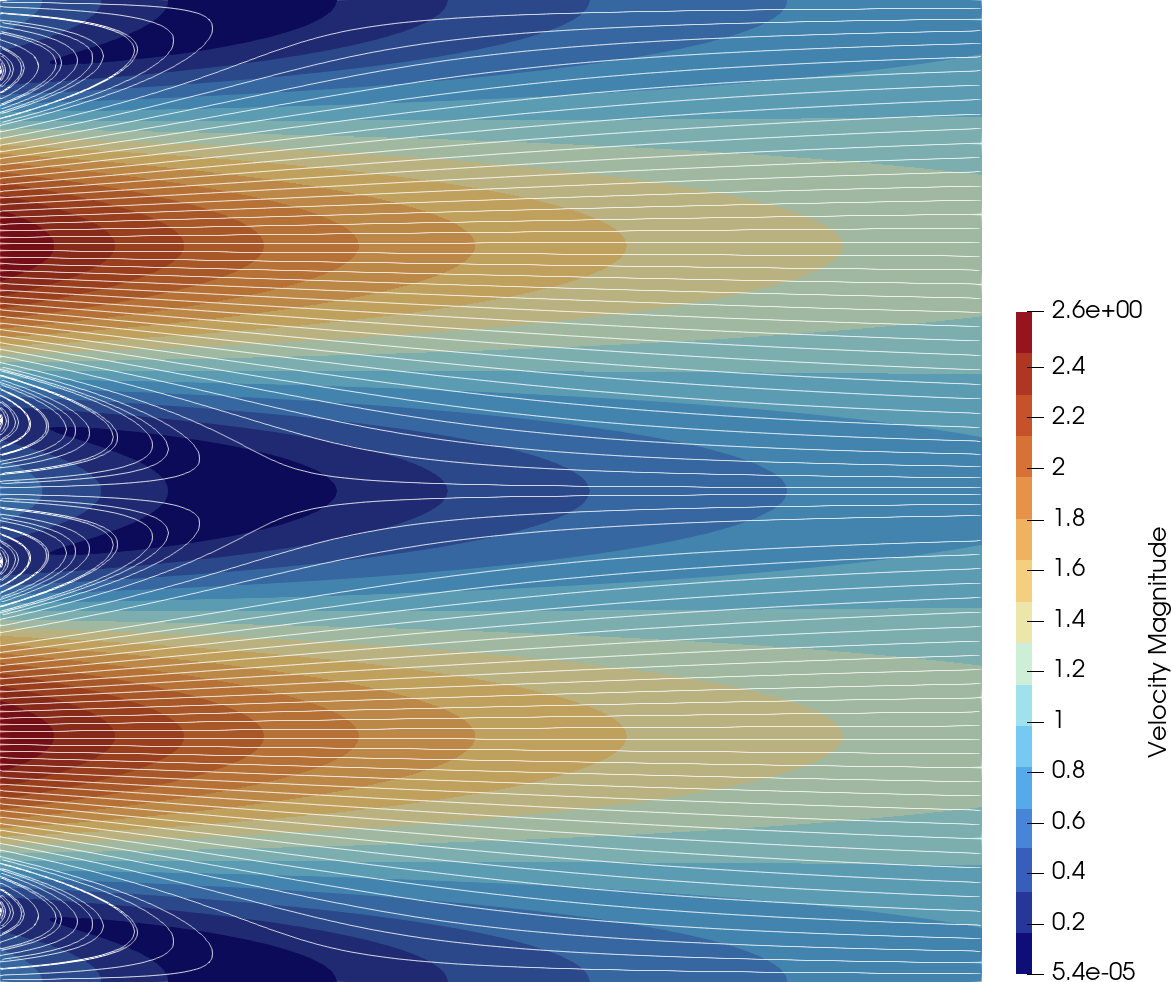
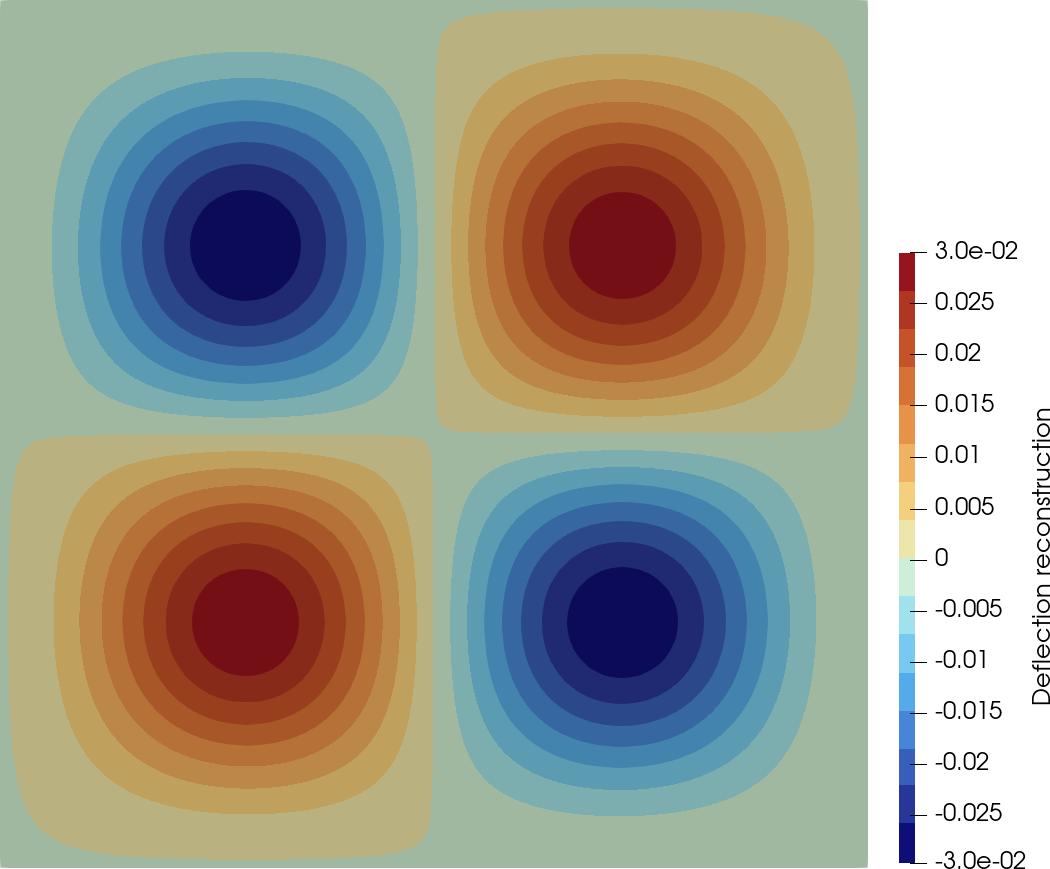
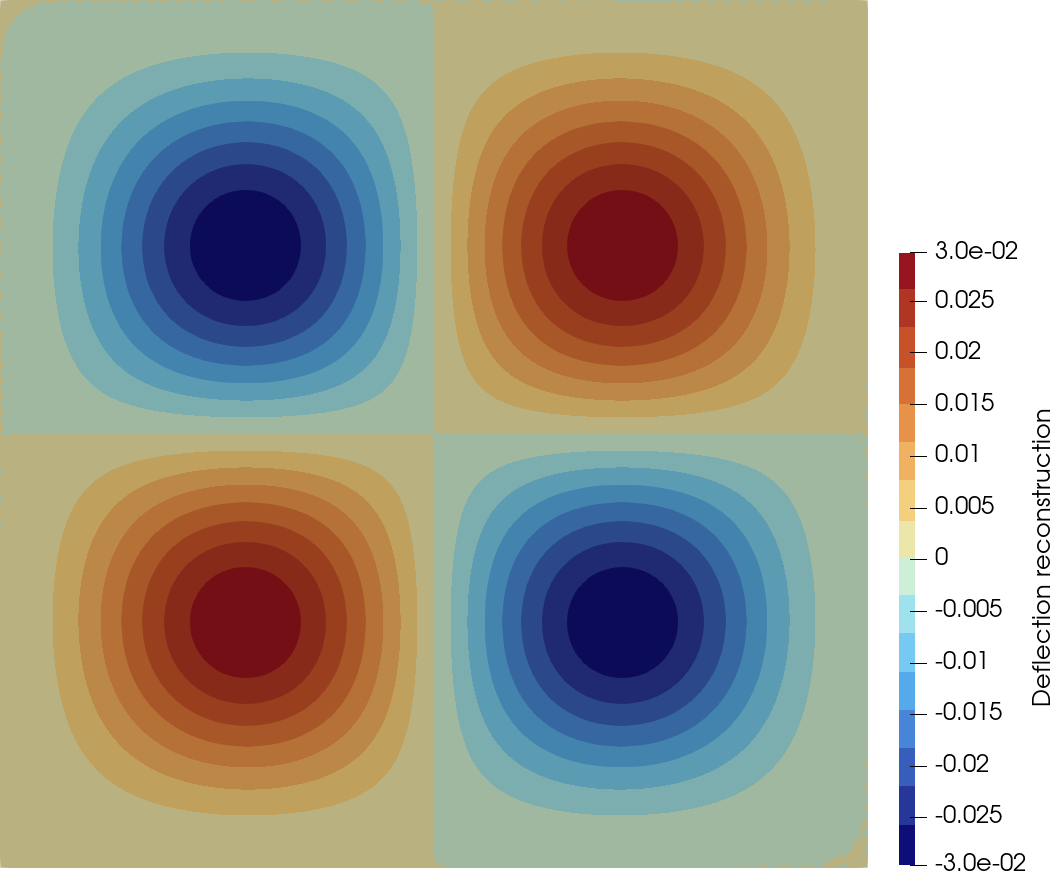
For example, with poly_rust installed
through Homebrew on an Apple Silicon Mac, download
hho_poisson_mixed_boundary_conditions.dsl
to your Downloads folder and run:
dsl_solver_linear_problem \
  --mesh /opt/homebrew/share/poly-rust/meshes/2d/unit-square-tria/unit-square-tria_1.vtk \
  --dsl ~/Downloads/hho_poisson_mixed_boundary_conditions.dsl
This runs the HHO Poisson test with mixed boundary conditions used in the companion paper on the first unit-square mesh distributed with the Homebrew package.
The following files are the configurations distributed with the companion-paper sources and used for its numerical examples.
Binary packages are the simplest route for end users. A public source snapshot is provided for reproducibility; access to the development Git repository is restricted to developers.
Add the public tap and install the current bottle:
brew tap dpietro/tap https://plmlab.math.cnrs.fr/dpietro/homebrew-tap.git
brew install dpietro/tap/poly-rust
If Homebrew asks you to trust third-party taps, run
brew trust dpietro/tap and repeat the installation.
With the default Homebrew layout, DSL configuration files and
meshes are stored under
$(brew --prefix poly-rust)/share/poly-rust, in the
config/ and meshes/ subdirectories.
Verify the installation with:
brew test dpietro/tap/poly-rustThe packages contain the steady and unsteady linear/nonlinear DSL solvers, 2D and 3D example configurations and meshes, and the Emacs mode for the DSL. UMFPACK and PETSc support are included.
Download the package matching your distribution from the public package repository:
↗ Debian and Ubuntu package repositoryDebian 12, amd64:
sudo apt install ./poly-rust_0.12.3-1~debian12_amd64.debUbuntu 24.04 LTS, amd64:
sudo apt install ./poly-rust_0.12.3-1~ubuntu24.04_amd64.debUbuntu 26.04 LTS, amd64:
sudo apt install ./poly-rust_0.12.3-1~ubuntu26.04_amd64.deb
For an ARM system, use the corresponding
_arm64.deb package instead.
With the default package layout, DSL configuration files are in
/usr/share/poly-rust/config and meshes are in
/usr/share/poly-rust/meshes.
The source snapshot for version 0.12.3 is the same public, dependency-vendored archive used by the Homebrew release.
↓ Download poly_rust 0.12.3 source snapshot
The development Git repository is intended for developers only
and requires appropriate access. Developers with access can clone
it and build with Cargo. The full external-solver configuration
enables both the umfpack and petsc
features.
git clone https://plmlab.math.cnrs.fr/dpietro/poly_rust.git
cd poly_rust
cargo build --release --features "umfpack petsc"
Developer Git: https://plmlab.math.cnrs.fr/dpietro/poly_rust (restricted access).
A lightweight desktop editor for .dsl method files,
with parser-backed validation and direct access to the installed
poly_rust solvers and convergence tools.
Version 0.6.1 adds convergence-test progress feedback and improves
code suggestions and LaTeX export validation.
Syntax highlighting, automatic indentation, multiple files, native open/save dialogs, an outline, symbol navigation, and safe rename support.
The PolyRust parser reports inline diagnostics while you edit and supplies the declaration outline used for navigation.
Launch steady or unsteady linear and nonlinear solvers, run convergence studies with a live progress bar, inspect output, and export charts.
Add the public tap and install the editor. Homebrew installs the compatible poly_rust formula as a dependency.
brew tap dpietro/tap https://plmlab.math.cnrs.fr/dpietro/homebrew-tap.git
brew install dpietro/tap/poly-rust-editor
poly-rust-editor
The editor requires poly_rust
0.11.10 or newer. If the tap is already configured, only the
brew install command is needed.
Download the matching library and editor packages, place them
in the same directory, and install them together so that APT
can satisfy the editor’s poly-rust (>= 0.11.10)
dependency.
Debian 12, amd64:
sudo apt install \
  ./poly-rust_0.12.3-1~debian12_amd64.deb \
  ./poly-rust-dsl-editor_0.6.1-1~debian12_amd64.deb
Ubuntu 24.04 LTS, amd64:
sudo apt install \
  ./poly-rust_0.12.3-1~ubuntu24.04_amd64.deb \
  ./poly-rust-dsl-editor_0.6.1-1~ubuntu24.04_amd64.deb
Ubuntu 26.04 LTS, amd64:
sudo apt install \
  ./poly-rust_0.12.3-1~ubuntu26.04_amd64.deb \
  ./poly-rust-dsl-editor_0.6.1-1~ubuntu26.04_amd64.deb
For an ARM system, use the corresponding
_arm64.deb files instead. Launch the installed
application from the desktop menu or run
poly-rust-editor.
Version 0.12.0 adds richer runtime control and reporting to the poly_rust DSL solvers and consolidates nonlinear expression handling.
Steady and unsteady problems can select scalar functionals to evaluate and report at the discrete solution or final time.
Solver commands accept repeatable
--parameter NAME=VALUE options and print the
effective values used for each run.
Numeric literals in DSL files now accept scientific notation, making very large and very small parameter values concise and readable.
A shared differential algebra differentiates nonlinear scalar and tensor expressions consistently, avoiding operator-specific special cases.
State dumps retain parameter overrides, and restarted runs check that the requested parameters match the saved solver state.
VTU export now caps excessive refinement levels, keeping visualization files at a manageable size.
The manuscript introduces the DSL, the generic solvers, convergence tools, and examples spanning several classes of polytopal methods.
Daniele A. Di Pietro · 2026
Additional material that is not part of the standard poly_rust installation is maintained in a public Git repository.
Clone the public repository over HTTPS:
git clone https://plmlab.math.cnrs.fr/dpietro/poly_rust-resources.git
cd poly_rust-resources
If you already use PLMLab over SSH, the equivalent clone command is
git clone git@plmlab.math.cnrs.fr:dpietro/poly_rust-resources.git.